

Speak with
Impress with
Download Now and Speak with Power!



How does Vidego work
Unlock your presentation potential with advanced scripting and seamless recording features
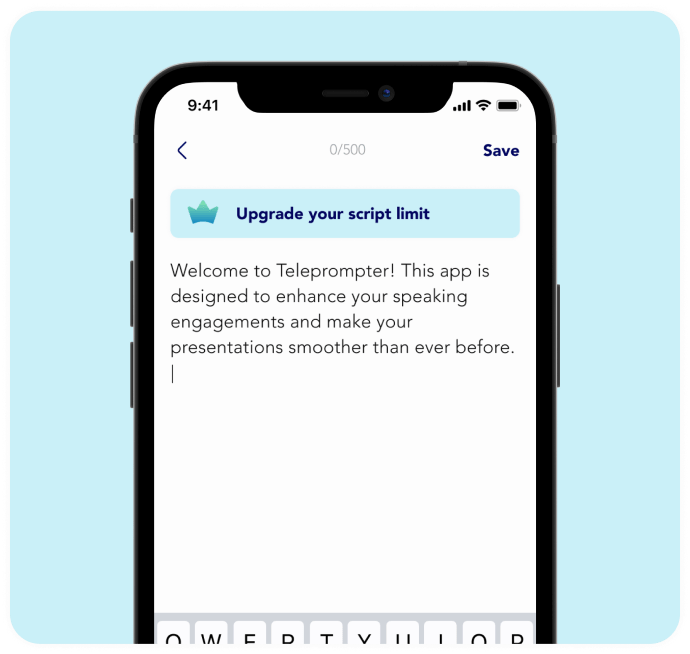
Prepare your script
Write your script using the prompter app or let AI do it for you, organizing it for easy reference.
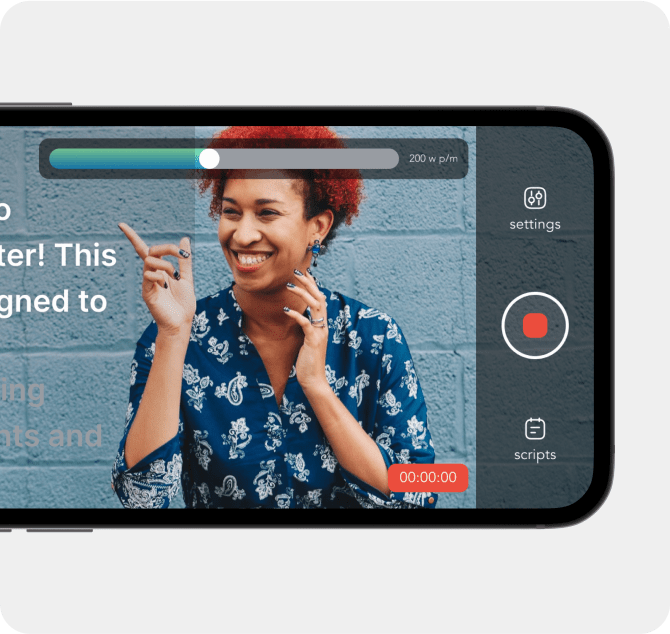
Record your video
Record following the script displayed on the prompter screen.
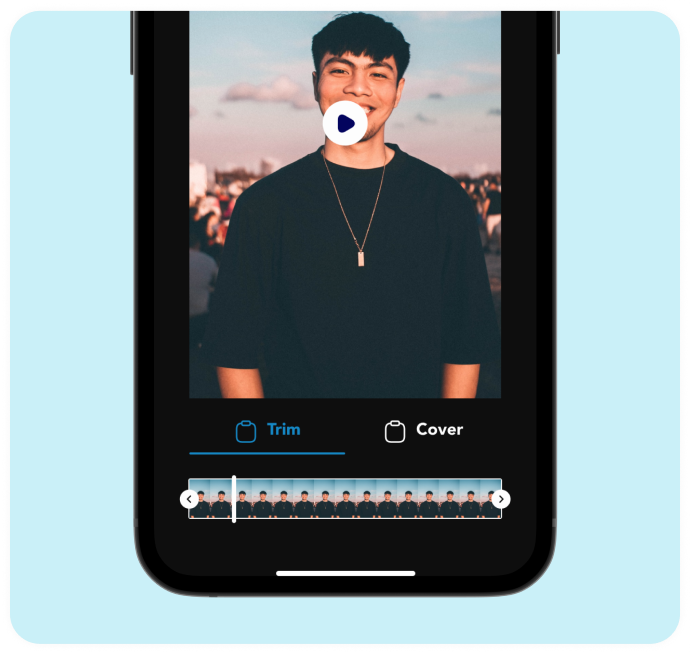
Edit the video
Trim unwanted parts within the app before exporting.
What our users are saying
Discover what users are saying about our powerful scripting and recording features

Sarah K.
App Store Review

"Game-changer for Public Speaking! This app streamlined my presentation process, from writing scripts to recording flawlessly. Highly recommended!"

John M.
App Store Review
"Exceptional App for Presentations on the Go! Whether in the boardroom or on stage, this app has become my trusted companion. The ability to write, record, and edit presentations on my phone is a game-changer."

Micheal D.
Google Play Review
"Saves Time, Boosts Confidence! With Vidego, I no longer stress about memorizing lines. The prompter app allows me to deliver speeches confidently while maintaining eye contact with the audience."

Sierra L.
App Store Review
"Impressive Versatility! Vidego exceeded my expectations with its intuitive interface and comprehensive editing tools. It's now my go-to app for creating professional videos."
News from Vidego
Stay updated with the latest developments in content creation and prompter usage, as well as the newest updates from Vidego, on our Blog!

AI Prompters: The Future of Content
Explore how AI-powered prompters are transforming content creation.

Vidego: Latest Updates & Features
Stay informed on the newest innovations from Vidego.

Smart Prompter Tips for Creators
Enhance your workflow with expert AI prompter techniques.
Upgrade Now
Elevate your prompter experience with our exclusive upgrade
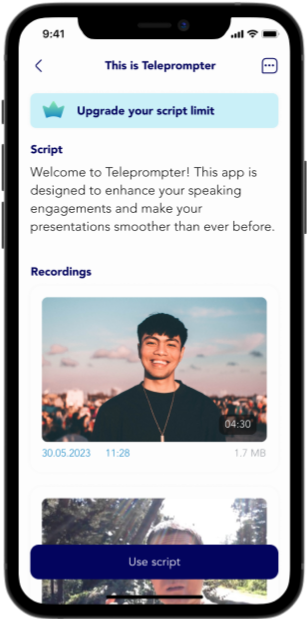


Premium

Premium

No Character Limit
AI Content Writer
Video Recording
Noise Reduction
Video Editing
Offline Mode
14 Days Free Trial
Monthly Plan and Annual Plan Choice